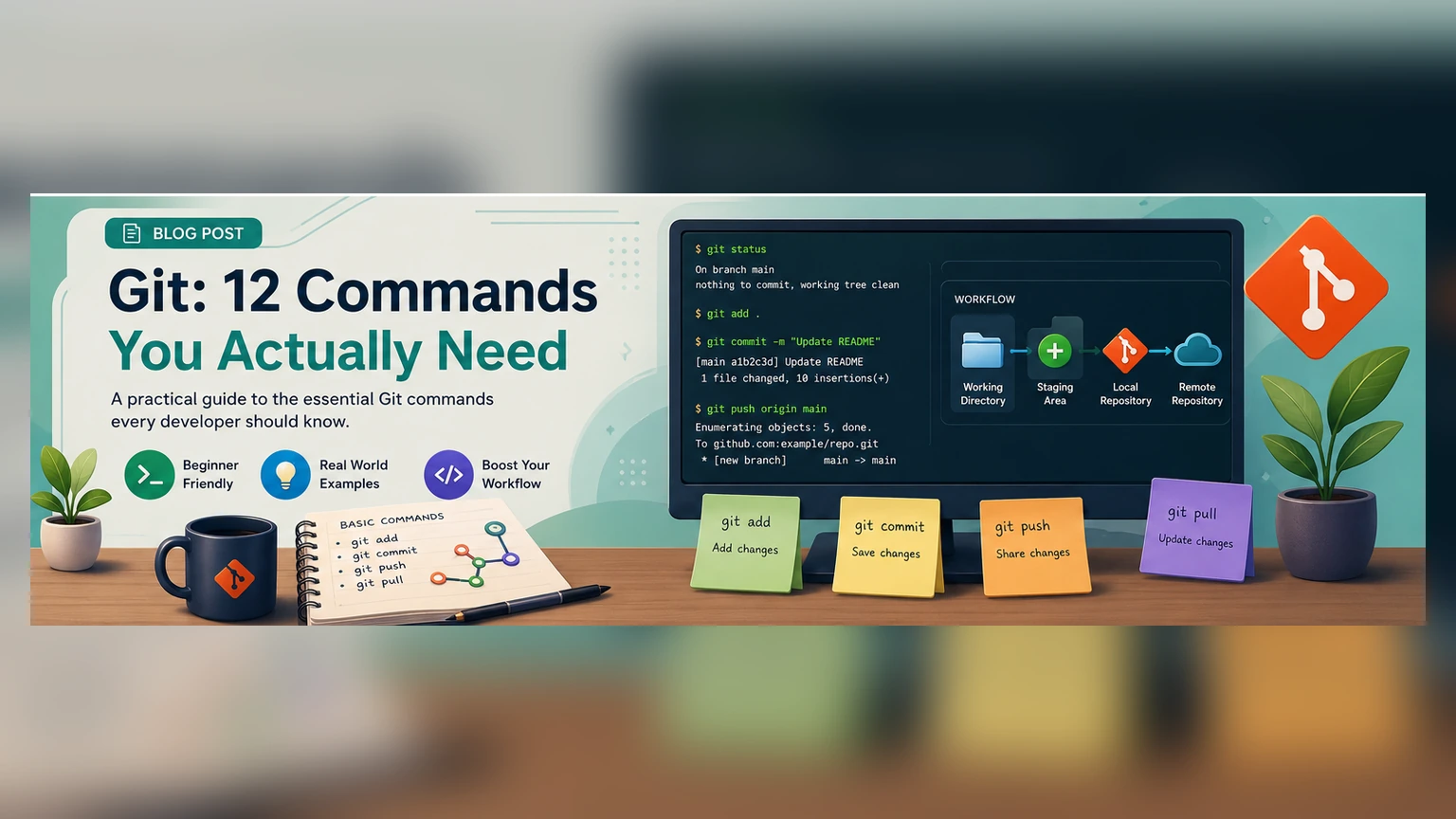
Quick info
Before you start
Best for
Developers learning Git from the command line
Format
10 explanation-backed questions in about 11 minutes.
What you'll cover
A small map of the test
- 1Working tree, staging area, and commits
- 2Inspecting status and differences
- 3Creating and switching branches
- 4Viewing history and working with remotes
- 5Safer ways to unstage or restore changes
Audience
Who this quiz is for
- Developers learning Git from the command line
- Learners who know a few commands but want a clearer workflow model
Key concepts
Ideas this quiz checks
Working tree
The checked-out files you are currently viewing and editing.
Staging area
The index that holds the exact content intended for the next commit.
Commit
A recorded snapshot of the staged project state with metadata and a message.
Branch
A movable name pointing to a commit, used to develop lines of work independently.
Score guide
How to read your score
-
0–4
Rebuild the Git model
Focus on the working tree, staging area, and commit before memorizing more commands.
-
5–7
Working command base
You understand the everyday flow, with a few branch, remote, or restore details to reinforce.
-
8–10
Strong Git fundamentals
You understand the state model and the commands behind a typical local workflow.
After the quiz
Recommended next steps
- Create a disposable repository and observe status after every command
- Review both unstaged and staged diffs before committing
- Use branches for isolated work and inspect incoming remote changes before integration
References
Sources and further reading
- Git Basics — Recording Changes to the Repository Git project · Accessed August 2, 2026
- Git Reference Git project · Accessed August 2, 2026
- git-switch Documentation Git project · Accessed August 2, 2026
- git-restore Documentation Git project · Accessed August 2, 2026
How to play
Instructions
- You have 11 minutes total to answer 10 multiple-choice questions.
- Choose an answer to lock it in. The runner immediately shows the correct answer and explanation.
- Use Hint when you want a nudge, or Skip to move forward without answering.
- Keyboard shortcuts: A-D answer, H hints, S skips, Enter/→ next, and ← previous.
- No signup required. Your progress is local to this quiz session.