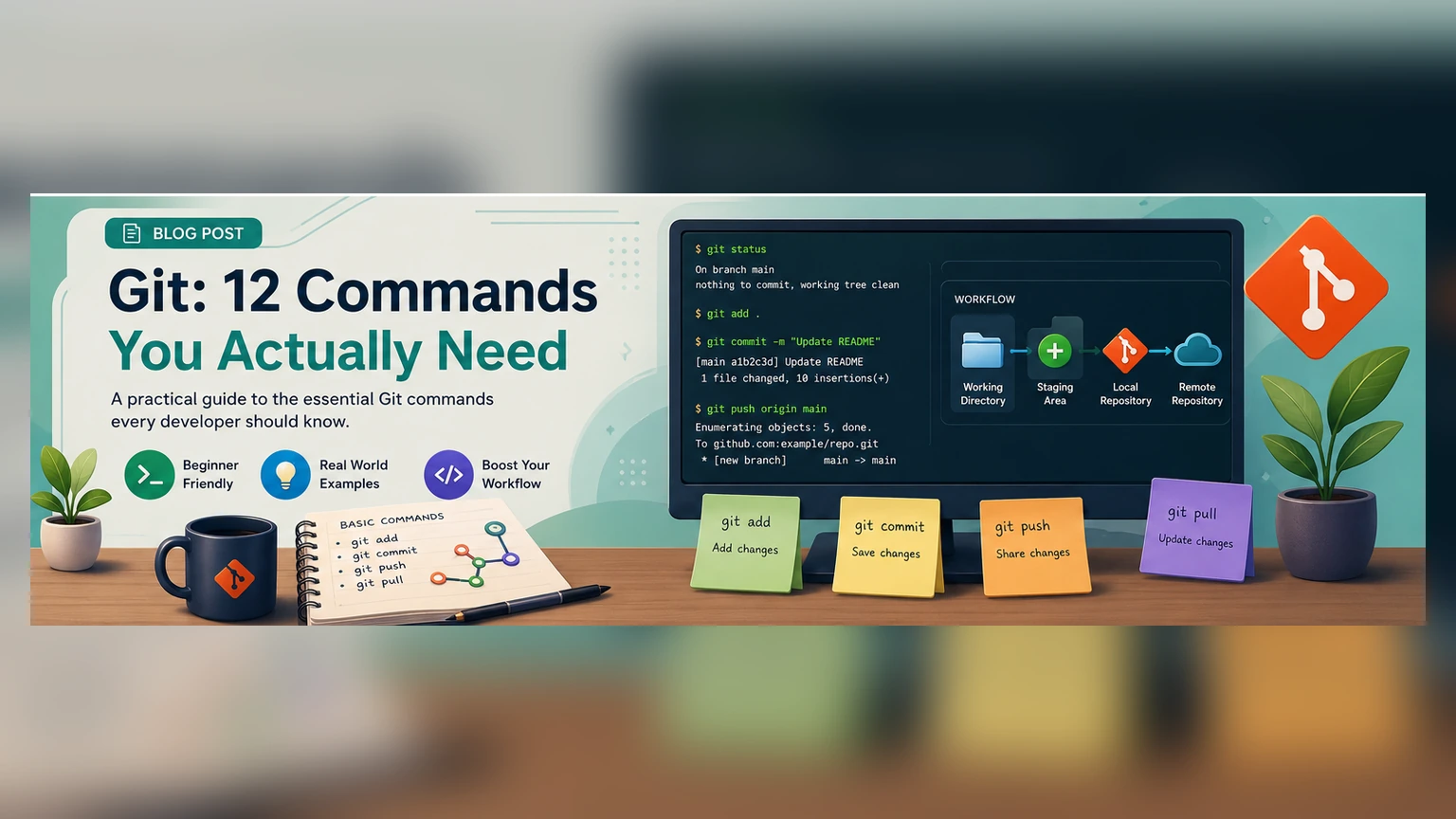
Git looks enormous from the outside because it is enormous. The useful everyday surface area is much smaller. Most early-career engineers need fluency, not trivia.
Start with status
git status is the command that keeps you oriented. Run it before you commit, before you pull, before you panic, and before you ask for help. It tells you what Git thinks is happening.
The working set
You will use git add, git restore, git diff, and git commit constantly. Learn the difference between your working tree, the staging area, and the last commit. That mental model prevents most beginner mistakes.
The sharing set
git pull, git push, git fetch, and git branch are about coordination. Prefer fetching before deciding what to do. Pull only when you are ready to integrate.
The repair set
git log, git checkout, git switch, and git stash help you move around and recover. They are not magic, but they give you room to breathe.
The one command to respect
Never run a destructive command just because a forum answer says so. If a command contains --hard, --force, or deletes history, slow down and ask what state you are about to lose.
The 12 commands at a glance
Most day-to-day Git work runs on a dozen commands. git init starts a new repository and git clone copies an existing one. git status shows what has changed, git add stages changes for the next commit, and git commit records them with a message. git diff shows exactly what changed, and git log shows the history of commits. git branch and git switch (or git checkout) create and move between branches, git merge combines them, and git pull and git push sync your work with a shared remote. Learn these twelve and you can handle the large majority of real projects.
Branches make experiments safe
A branch is a parallel line of work. Instead of editing the main version directly, you create a branch, make your changes there, and merge them back only when they are ready. This means you can try a risky idea, and if it does not work, you simply throw the branch away — the main version was never touched. Getting comfortable with git switch -c my-idea to start a branch and git merge to bring it back is the single habit that most reduces fear, because nothing you do on a branch can quietly break everyone else's work.
Want to check your Git recall? Try the Git Commands Quiz — ten questions, each with a short explanation.
Undoing things without losing work
Much of the anxiety around Git comes from not knowing how to undo. A few gentle tools cover most cases. git restore discards uncommitted changes to a file. git revert creates a new commit that reverses an earlier one — safe, because it adds history rather than erasing it. git stash tucks your unfinished changes aside so you can switch tasks and bring them back later. Reach for these before the more dangerous git reset --hard, which throws work away permanently.
Writing commits your future self will thank you for
A commit is a message to whoever reads the history next — often you, months later. A good commit is small and focused on one change, with a short summary line that finishes the sentence "This commit will…" — for example, "Fix login redirect on expired sessions." Vague messages like "update" or "fix stuff" cost you nothing today and everything the day you are trying to find when a bug appeared. Staging changes intentionally with git add rather than committing everything at once is what makes those clean, single-purpose commits possible.
Working with others
On a shared project, the rhythm is simple: git pull to get the latest work before you start, do your work on a branch, then git push to share it. When two people change the same lines, Git reports a merge conflict — not an error, just a question about which version to keep. Open the file, choose the correct combination, remove the conflict markers, and commit. Conflicts feel intimidating the first time and routine by the tenth.
Frequently asked questions
What Git commands do I actually need day to day? Mostly status, add, commit, diff, log, branch/switch, merge, pull, and push. That set covers the large majority of everyday work.
How do I undo a mistake in Git? Use git restore for uncommitted changes, git revert to safely reverse a commit by adding a new one, and git stash to set unfinished work aside. Avoid git reset --hard unless you are certain you want to discard work permanently.
What is a merge conflict? It happens when two changes touch the same lines and Git cannot decide automatically which to keep. You open the file, pick the right result, remove the marker lines, and commit — it is a normal part of collaboration, not a failure.
A good daily loop
Check status, make a small change, inspect the diff, stage intentionally, commit with context, and push when the branch tells a coherent story. That loop is enough for most real work.