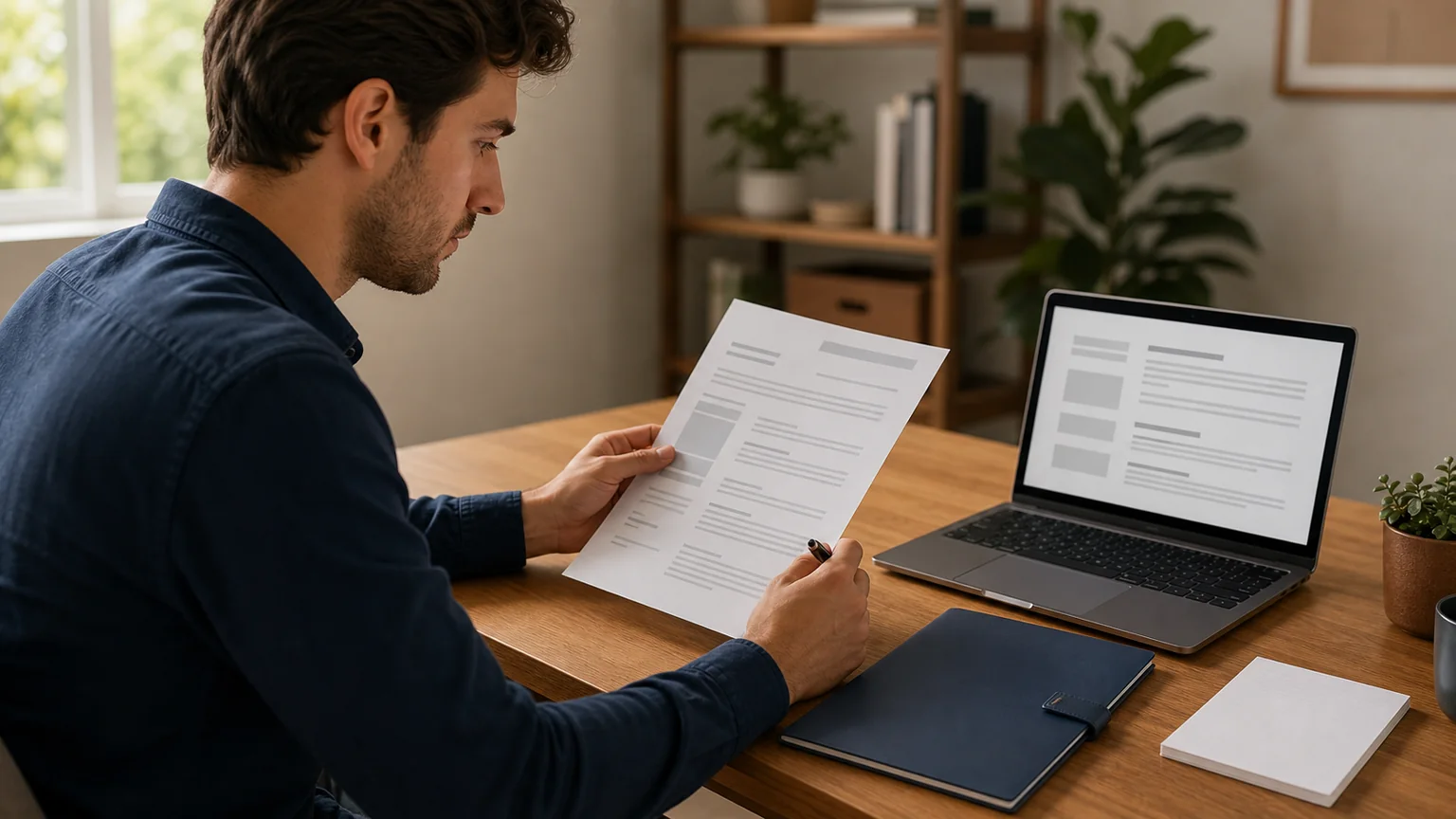
A remote job interview is still a job interview: the employer is trying to understand whether your evidence fits the role, and you are deciding whether the work and organisation fit what you need. The remote format adds a second task. You also manage the meeting link, device, sound, camera, room, notes, and recovery plan. Good preparation reduces that preventable friction so neither side has to confuse technical noise with the substance of the conversation.
This run-sheet covers live video, phone, panel, and recorded interviews. It does not promise an offer or tell you how a particular employer will assess candidates. Follow the instructions in the invitation first; use the steps below to prepare what the invitation leaves open.
48–72 hours before: map the role to evidence
Read the job description again and mark repeated duties, named tools, required qualifications, and the three to five capabilities that appear central. Beside each one, write a true example from work, education, volunteering, or a substantial personal project. The U.S. Department of Labor advises candidates to research the position and organisation and connect achievements directly to the job. That is more useful than memorising a broad answer about being hardworking.
Build a one-page role map with four columns:
- What the role appears to require. Use the employer’s words without copying whole paragraphs.
- Your evidence. Name the situation, your responsibility, action, and result.
- What remains unclear. Turn assumptions into questions for the interview.
- Where the evidence lives. Resume line, portfolio item, project, metric, or reference point.
Research enough to understand the organisation’s work, customers or users, stated goals, and the team if reliable information is available. Stop before research becomes rehearsal avoidance. You do not need to predict every question; you need a small set of relevant examples you can adapt. The resume-keyword guide can help you compare the description with evidence without copying it mechanically.
Build six adaptable answer stories
OPM describes structured interviews as using predetermined, job-related questions and common evaluation standards. Such interviews may ask about past behaviour or what you would do in a realistic situation. Prepare for both forms. A compact story bank should cover:
- delivering a result under a constraint;
- solving a difficult or ambiguous problem;
- working through disagreement;
- learning or changing course after feedback;
- prioritising competing work; and
- making, reporting, or correcting a mistake.
Use four beats: situation, task, action, result. Keep the situation and task short. The action should make your own contribution visible without erasing collaborators. The result can be quantitative when the number is real and explainable, or qualitative when the outcome was a safer process, clearer decision, satisfied customer, reduced risk, or lesson applied later.
For a situational question — “What would you do if…?” — state what you would clarify, the action you would take, who you would involve, and how you would check the result. Do not invent a heroic past example when you do not have one. A transparent approach to an unfamiliar scenario is more credible than a story that collapses under a follow-up question.
Practise with a repeatable review method
Reading notes silently is not interview practice. Record or deliver three answers aloud under realistic time pressure. After each answer, review it with five questions:
- Did I answer the question in the first sentence?
- Was the context short enough to leave room for my action?
- Could a listener distinguish my contribution from the team’s?
- Did I name a result, consequence, or lesson?
- Which sentence could be removed without losing evidence?
Revise once and answer again without reading a script. The goal is not identical wording. It is a clear structure that survives interruption and follow-up. Ask a practice partner to interrupt with “What did you do?”, “Why that approach?”, or “What changed?” Those probes expose vague claims quickly.
For a technical interview, add one exercise using the actual medium: explain a solution while screen-sharing, talk through a small problem, or present a portfolio item with the windows and permissions you plan to use. Confirm whether the invitation mentions a coding platform, whiteboard, presentation, identity check, or software installation. Never install an unexpected tool or share confidential work merely because an interview message asks; verify unusual instructions through a known employer contact.
Use the Job Interview Skills Quiz to identify concepts to revisit, not as proof that an interview will go well.
Test the complete technology path
CareerOneStop recommends testing the equipment, connection, audio, and video before a virtual interview. Use the same device, browser or application, microphone, headphones, camera, and network planned for the call. A camera preview alone does not test meeting permissions or incoming audio. Open the actual platform if possible and check whether it needs an account, update, passcode, waiting-room step, or screen-sharing permission.
Record 30 seconds of speech. Listen for echo, fan noise, intermittent sound, an extremely quiet microphone, or typing that overwhelms your voice. Place the camera near eye level and use light from in front rather than a bright window behind. Frame head and shoulders without trying to create a studio. The standard is simple: can the interviewer hear and see you without avoidable strain?
Prepare a failure path:
- charge the device and connect power;
- save the meeting link outside the browser session;
- keep the recruiter’s email or phone number available on another device or paper;
- know whether the invitation offers dial-in audio;
- close bandwidth-heavy applications; and
- decide the first recovery step for frozen video, lost audio, or a dropped connection.
If a problem happens, describe it briefly, try one clear fix, and use the agreed backup channel. Do not spend several silent minutes repeatedly clicking while the other side wonders whether you left. Technical failure is inconvenient, but a concise update and sensible recovery keep it from consuming the interview.
Prepare the room and your working notes
Choose the quietest reliable location available. Tell other people when you need privacy, silence notifications on every nearby device, and close unrelated applications and browser tabs. If you cannot control the environment perfectly, plan for the likely interruption instead of pretending it cannot happen. CareerOneStop notes that libraries or local employment centres may offer equipment or private space where available.
Keep only useful prompts within reach:
- the job description and your resume;
- six story titles, not six scripts;
- the interviewer’s name and role;
- three questions to ask;
- a pen, paper, and water; and
- the backup contact and meeting details.
Place notes close to the camera so checking a name does not look like reading another screen. Do not record the interview unless every participant has explicitly agreed and recording complies with applicable rules. Do not display confidential material from a current or former employer during screen sharing.
Know the format: live, panel, phone, or recorded
In a live video interview, allow a short pause after each question because online audio can overlap. Look at the interviewer while listening and return toward the camera during important parts of the answer; constant camera staring is unnecessary. Hide self-view if monitoring your own face becomes distracting.
For a panel, write down names as people introduce themselves. Start by answering the person who asked, then include the rest of the panel naturally. If a question is unclear, ask for it to be restated. The Department of Labor explicitly advises candidates to listen carefully, answer directly, and request clarification when needed.
A phone interview removes visual feedback, so tone, pacing, and signposting matter more. Stand or sit in a position that supports clear breathing, keep short notes visible, and say when you need a moment to think rather than filling silence with a rushed answer.
In an on-demand or recorded interview, read the instructions before beginning. Check the preparation time, answer limit, number of attempts, and whether responses can be re-recorded. Practise once with the same time limit. Look at the camera when answering, but prioritise a direct, evidence-based response over performance. If you need an accessibility adjustment or the format creates a barrier, use the employer’s stated contact process as early as possible.
Ask questions that help you evaluate the role
An interview is a two-way information exchange. The Department of Labor advises asking about the organisation, position, next steps, and timeframe. Choose questions the advertisement does not already answer:
- What would useful progress look like in the first 30, 60, and 90 days?
- Which decisions can this role make independently, and which need review?
- What is the most important problem the new hire will inherit?
- How is feedback normally given and acted on?
- How does the team make work, decisions, and blockers visible?
- What does onboarding look like for someone working remotely?
For a remote role, clarify expected location, working hours, time-zone overlap, travel, equipment, security requirements, communication cadence, and how performance is evaluated. The Remote Work Readiness 30-Day Trial Plan explains why those conditions matter. Ask the recruiter or HR contact about compensation and benefits when that is the employer’s process; do not assume every interviewer owns those details.
The day-of run-sheet
Thirty minutes before: settle or restart the device, connect power, close unnecessary programs, check the connection and sound, adjust framing, and open only the interview materials. Put water nearby and use the bathroom.
Ten minutes before: open the meeting link, confirm the displayed name, mute notifications again, and take one slow pass through the role priorities and story titles. Do not cram new answers.
During: listen to the whole question, answer it directly, use a relevant example, and stop when the evidence is complete. Take limited notes. Ask for clarification rather than answering a question you did not understand. If the interviewer interrupts because time is short, adapt rather than forcing the rest of a memorised script.
At the close: ask your selected questions, confirm the next step and expected timeframe, restate interest if it is genuine, and thank the interviewer. Save any notes about commitments or requested material immediately after the call, while they are still accurate.
Follow up without replaying the interview
Send a concise thank-you through the contact channel the employer has used, usually within one business day unless instructed otherwise. The message should identify the conversation, mention one specific point, restate interest, and supply any promised item. It should not re-answer every question or pressure the recipient for a decision.
A usable template:
Subject: Thank you — [role] interview
Hello [name],
Thank you for speaking with me about the [role] position today. I appreciated learning more about [specific project, priority, or team practice]. The conversation reinforced my interest because [one honest connection to your evidence or goals].
As promised, here is [requested link or document]. Please let me know if I can provide anything else. I understand the next step is [accurate next step or timeframe].
Best,
[name]
If the stated timeframe passes, one short check-in is reasonable. Refer to the role and interview date, ask whether the timeline has changed, and avoid inventing urgency. Continue other applications while waiting; an interview is meaningful progress, not a guarantee.
Frequently asked questions
How should I prepare for a remote job interview? Map the role to six true examples, practise answers aloud, test the complete meeting setup, prepare a backup contact path, control what you can in the room, and choose questions that help you evaluate the work.
What should I do if the video call fails? Name the problem briefly, try one clear fix, and move to the backup channel in the invitation or agreed with the recruiter. Keep the contact details accessible outside the failed meeting application.
Can I use notes during a virtual interview? Brief prompts are usually easier to use than scripts. Keep the job description, resume, story titles, questions, and contact details nearby, and follow any employer instructions about permitted materials.
How soon should I follow up after a remote interview? Unless the employer gives different instructions, send a concise thank-you within one business day. Mention one specific part of the conversation, restate genuine interest, and include anything you promised to provide.
Prepare for clarity, not perfection
The strongest remote-interview setup is the one that lets a clear conversation happen. Relevant evidence matters more than a flawless background; a tested recovery plan matters more than pretending technology never fails. Prepare the role map, practise aloud, test the complete path, ask useful questions, and follow through on what you promise.
Sources and further reading
- Virtual interviews CareerOneStop, U.S. Department of Labor · Accessed August 12, 2026
- Interview Tips U.S. Department of Labor · Accessed August 12, 2026
- Structured Interviews U.S. Office of Personnel Management · Accessed August 12, 2026